AI Sheet Music Transcription & Orchestration
Want to be Maestro?
Be a Maestro.
AI that transcribes, arranges and composes — and an editor to play, practice and share it. Free to start.
By continuing, you acknowledge ScoreSynth's Privacy Policy
Everything you need to create music
Bring a recording, a score, or just an idea — ScoreSynth AI transcribes, arranges and composes, then helps you shape the result in the editor.
 my-recording100%Share
125,129 free sheet music scores
Browse, download, and reimagine music your way.
Live count — new scores are added every day
Composers
All composers A–Z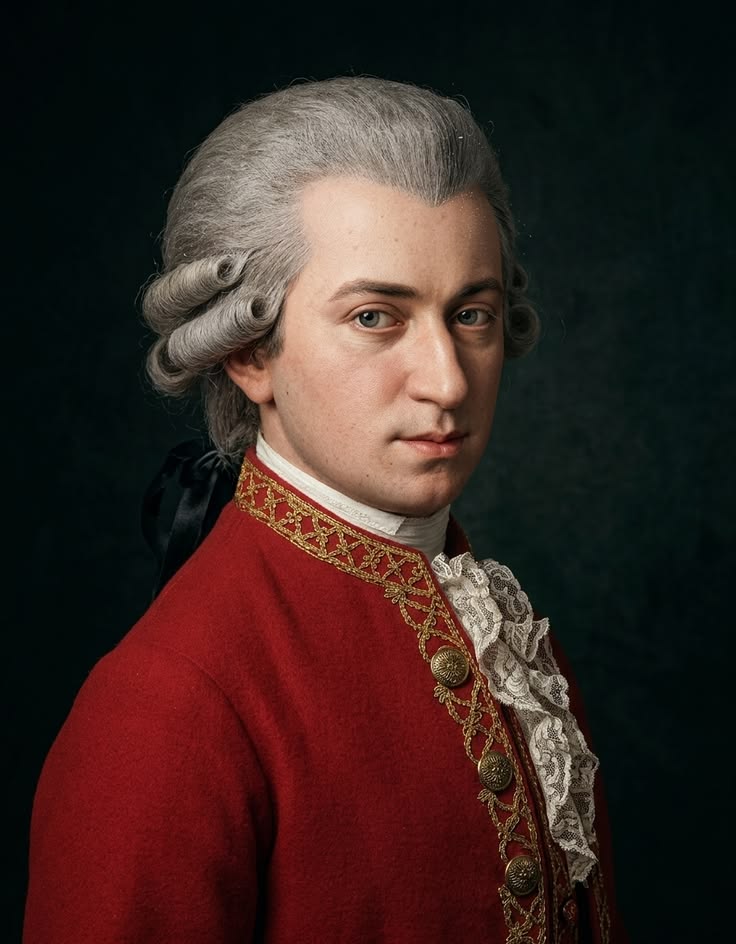

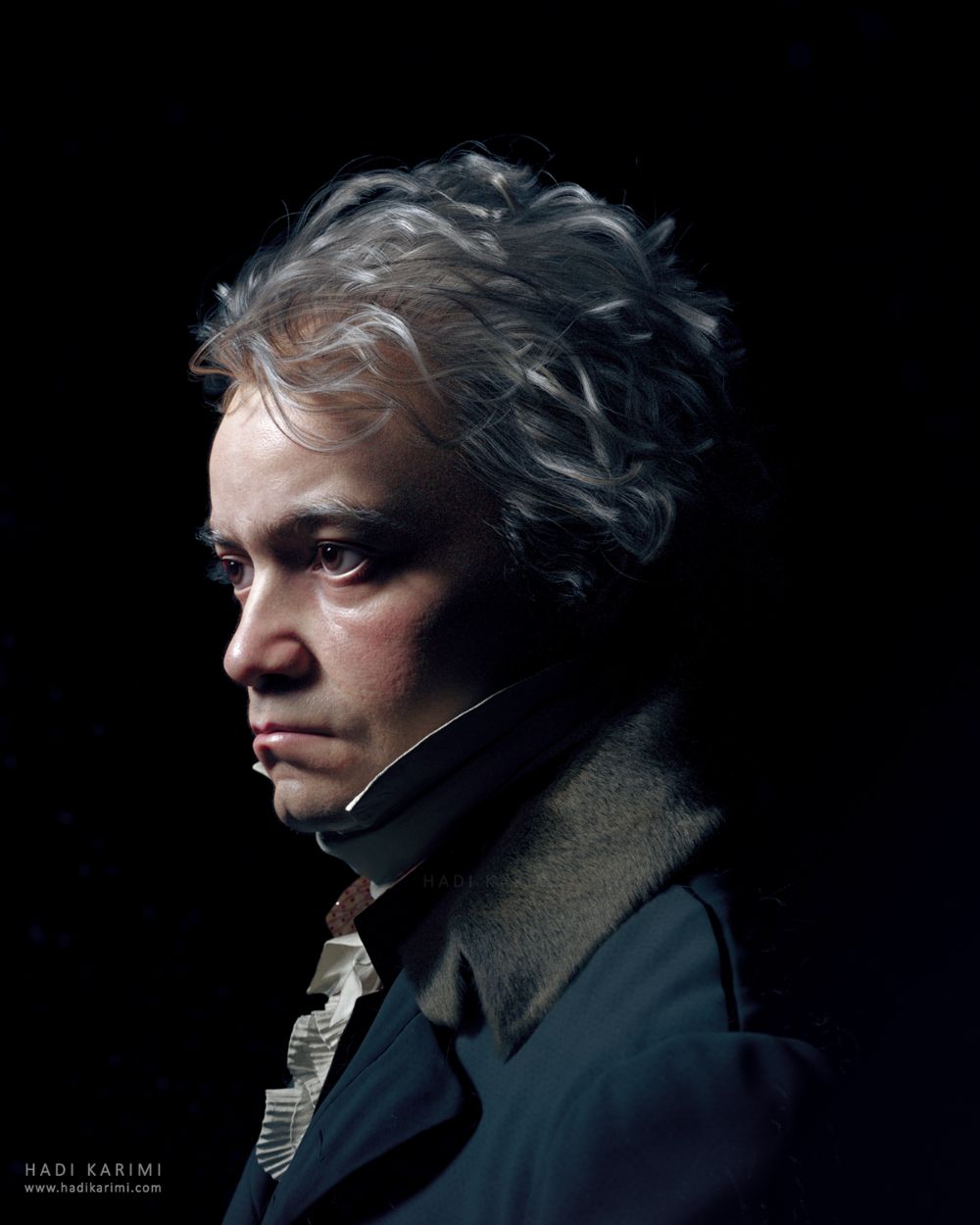

Public-domain favourites
Browse all scores
Your scores on the music stand
A free sheet music reader for iPhone, iPad and Android. Read any score from the archive and the community, and add pieces to Offline so they open without internet — at rehearsal, in the hall, on the road.
Learn about the appA score editor that plays, teaches and shares
Write, import and edit notation — then hear it, practice it and share it. Free with 3 projects and every editor feature included.
Runs in your browser
Nothing to install. Open your scores on any computer and pick up where you left off — everything is saved in the cloud.
Work together
Invite a co-writer, your ensemble or your teacher to edit the same score — or share it view-only so others can follow along.
Bring your own scores
Import MusicXML, MIDI or PDF. Scores from other notation apps open as fully editable music, not a flat picture.
Hear it for real
Play back your score with ScoreSynth's own library of recorded instrument samples — not the robotic sound of a MIDI preview.
Practice mode
Falling notes, the score, or both side by side. Pick the view that helps you learn the piece and play along at your own pace.
Share it as a video
Export your practice view as a video — ready to post your progress, use in a lesson, or drop into your next upload.
Works best on a computer. A mobile view for reading and sharing scores is coming later.

Free
Try ScoreSynth
Free for everyone
- 5 AI generations per month
- Score editor: 3 projects, every feature
- Import MusicXML, MIDI & PDF
- Playback with our instrument samples
- Practice mode & video export
- PDF export

Solo
For everyday productivity
Perfect for hobbyists and students creating their own music
- 25 AI generations per month
- Score editor: unlimited projects & linked pieces
- All orchestration types
- PDF + MusicXML export
- Priority processing
- Commercial use license

Pro
2x more usage than Solo
For professional composers and producers who need more
- 50 AI generations per month
- Score editor: unlimited projects & linked pieces
- Team: 3 seats included (+€20/extra user)
- All export formats (PDF, XML, MIDI)
- Priority processing (2x faster)
- Commercial license
Frequently asked questions
Yes. The archive is free to browse and download — every score exports as PDF and MusicXML. It holds public-domain classical works alongside arrangements shared by the community, and you don't need an account to look around.
Search by title, composer, or instrument from the homepage or the community page — for example "Moonlight Sonata", "Bach", or "solo violin". You can also browse by composer or by category: piano, strings, guitar, choir, orchestra, jazz, and soundtracks.
The full score editor, with up to 3 projects: import, playback with our instrument samples, practice mode, video export and working with others. You also get 5 AI generations a month for transcription, arrangement and composition.
No. The editor runs in your browser and your projects live in the cloud, so you can open them on any computer. It works best on a desktop or laptop — a mobile view for reading and sharing scores is coming later.
Yes. Import MusicXML, MIDI or PDF and the music opens as an editable score — you can keep working on it by hand or ask the AI to change it.
You choose. A quick pass captures the melody and harmony, which is plenty for an arrangement. A deeper, layer-by-layer analysis separates the individual parts when you need the notes as they were actually played. Deeper analysis takes longer.
You do. All music you create using ScoreSynth belongs entirely to you. We don't claim any rights to your compositions.
You can arrange copyrighted songs for personal practice, but distributing or publishing arrangements of copyrighted works requires permission from the rights holders. Our commercial license covers original works only.
Your scores stay yours. PDF and MusicXML export remains available on any account, including expired ones — we never lock your work behind a subscription. Cancelling pauses AI generation and editing; reactivate at any time to pick up where you left off.
Yes, you can switch plans at any time. Upgrades take effect immediately, and downgrades apply at the start of your next billing cycle.